
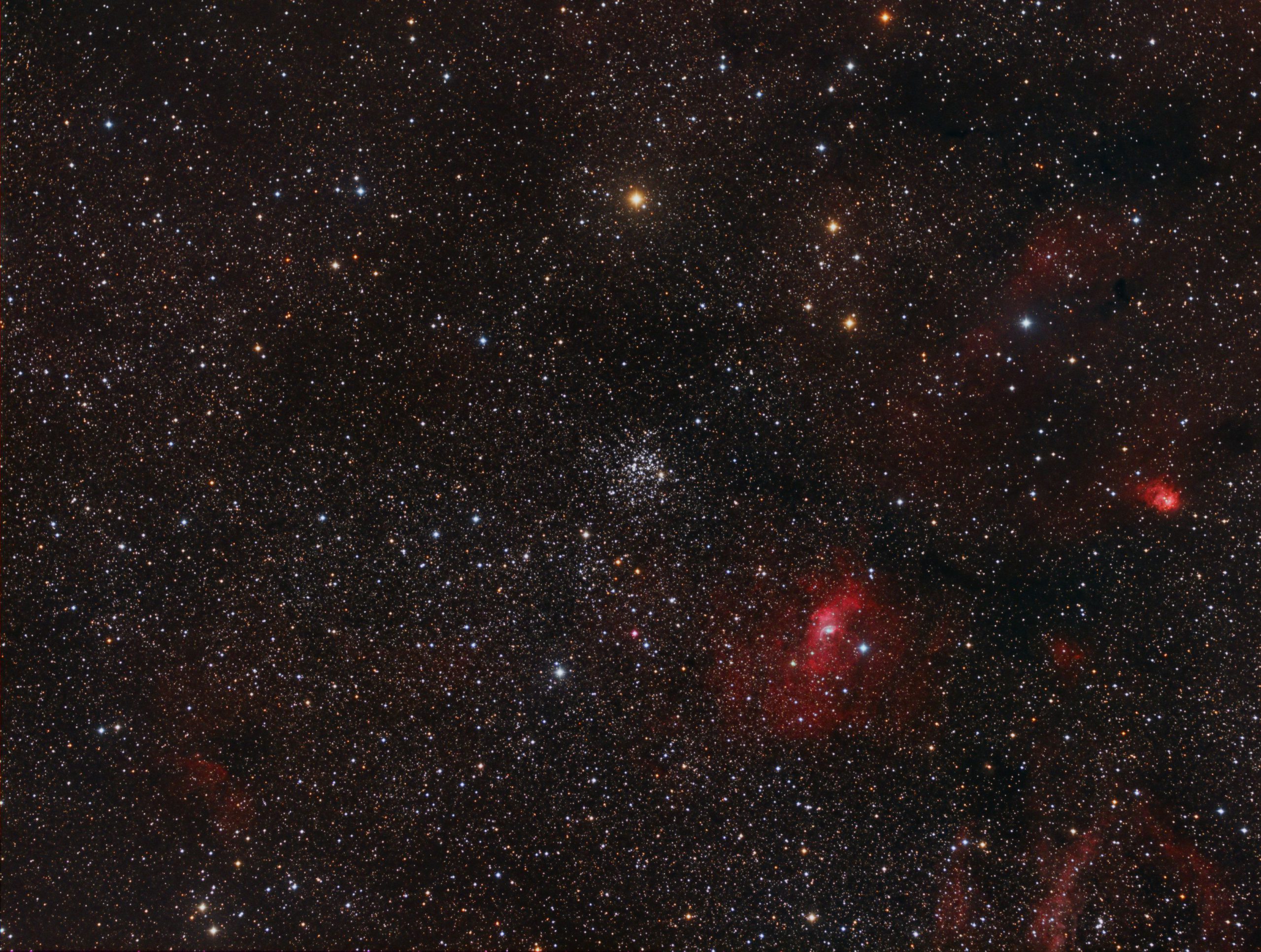
M52 with FSQ85 and G2-8300 Camera
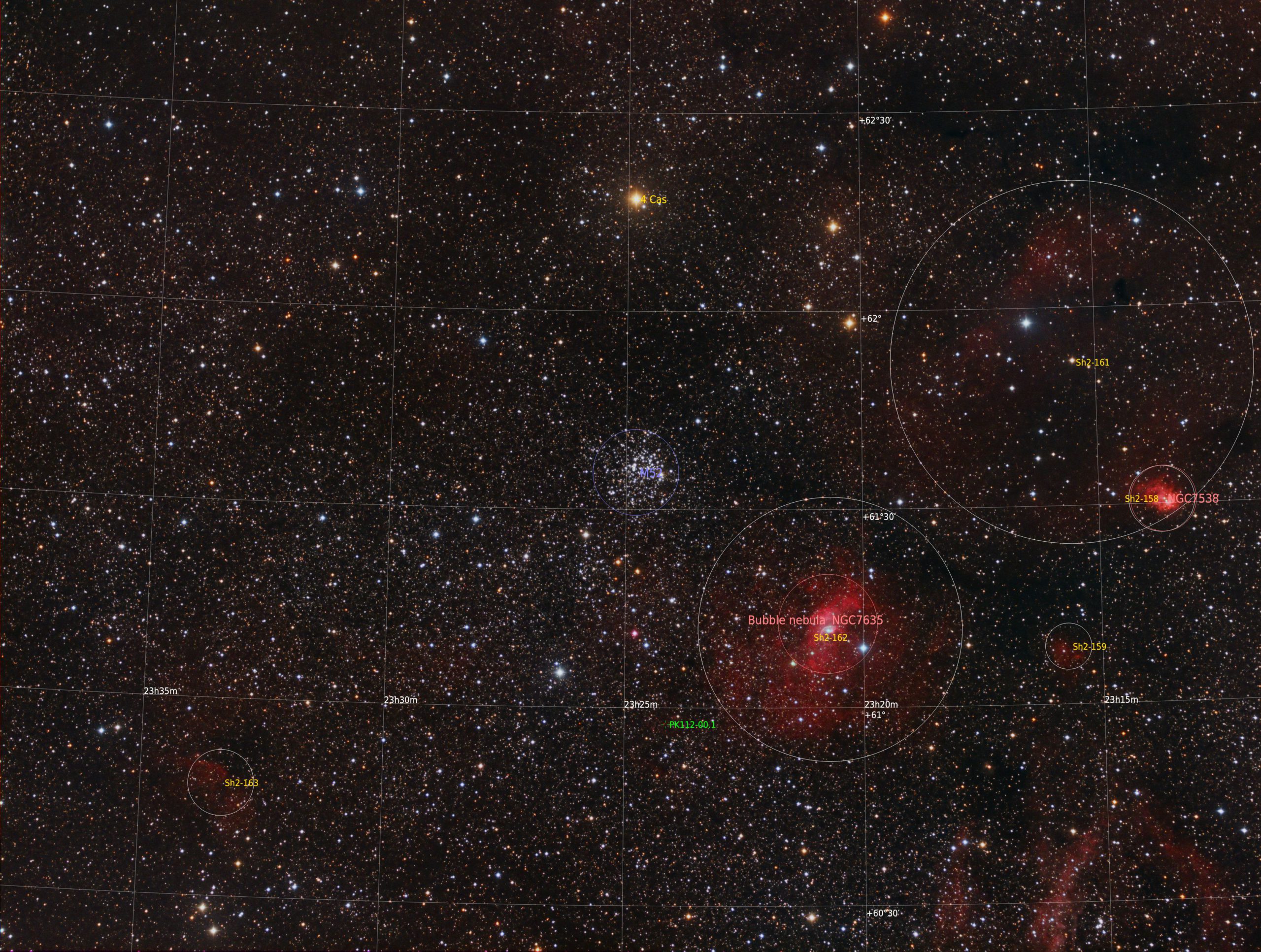
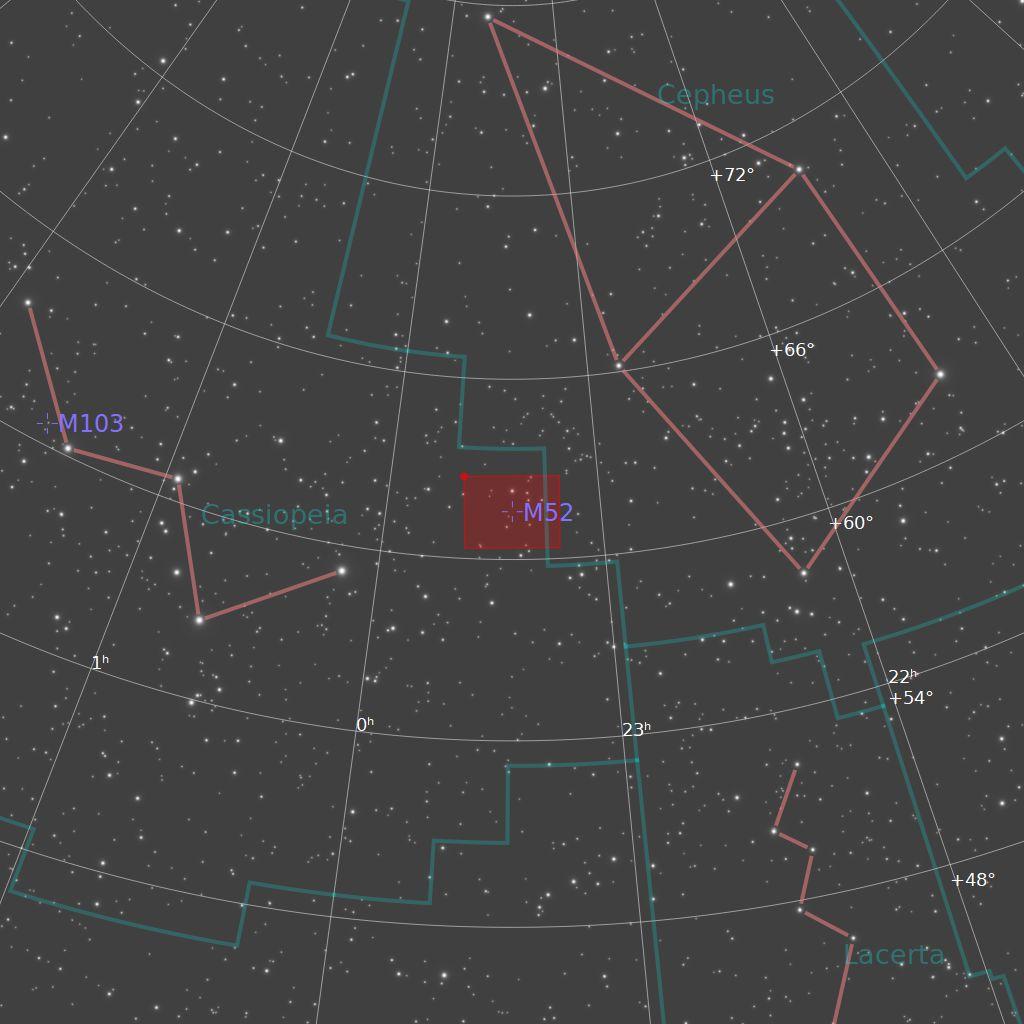
M52 is a fabulous open star cluster in Cassiopeia. It is set against a huge amount of nebulosity that spans across the constellations of Cassiopeia and Cepheus. In this image The Bubble Nebula can be seen at the four o'clock position with respect to M52 and many other objects in the Sharpless Catalogue of nebulae are also visible. These are detailed in the annotated version of the image below. The square red box on the finder chart on the right represents the image.
Full resolution image here (opens in a new tab).
Technical Information
Imaged from my backyard in Nottingham, UK on 28 November 2021 with a FSQ85 refractor and a Moravian G2-8300 cooled CCD camera with Astrodon HaRGB filters on my MESU200 mount guided with OAG.
All image data is binned 1×1: Note I do not capture a separate luminance when I bin all of the data channels is 1x1 in order to save some precious (In the UK) clear sky time. I do know purist swill say that it is best still to capture a luminance because that captures all of the light frequencies at the 1x1 level. I agree.
Ha> 9 x 300s ; Red > 9 x 300s ; Green 9 x 300s ; Blue > 9 x 300s
Image capture is with NINA and processing in PixInsight.

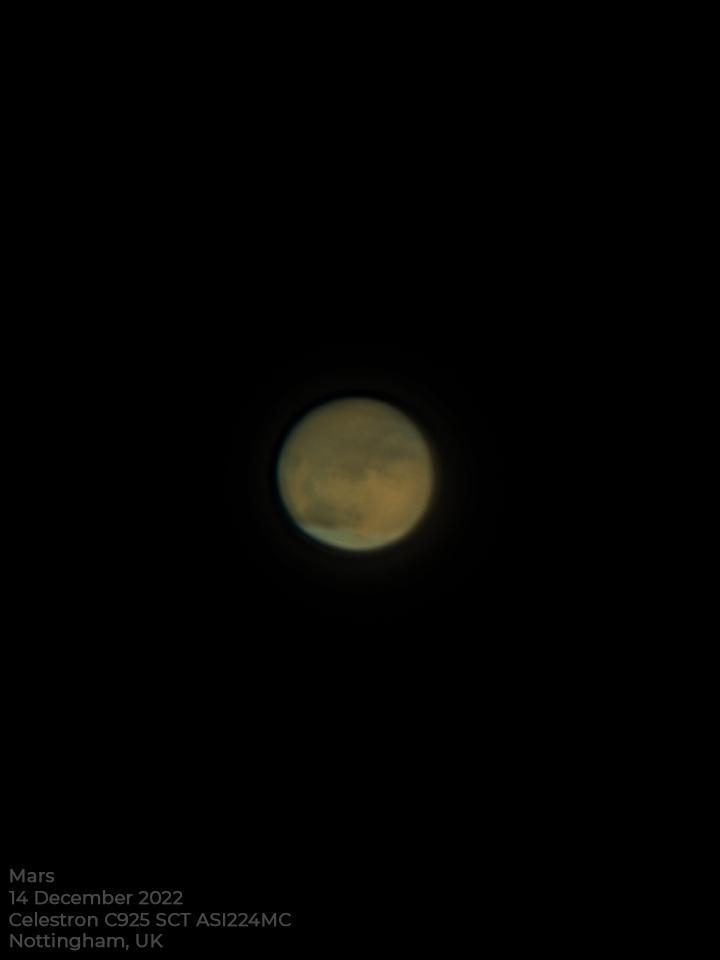
Mars 14 Dec 2022, C925 and ASI224MC
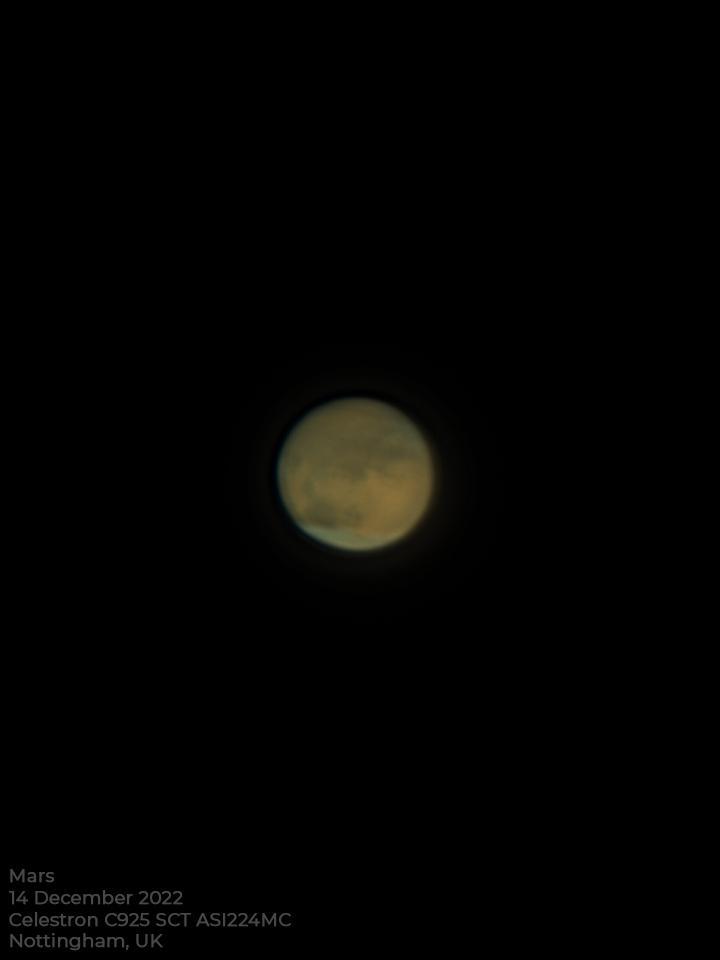
The planet Mars captured with my Celestron C925 SCT telescope and my ASI224MC colour camera. I used a Powermate x2 barlow lens to give a higher image scale together with an Atmospheric Dispersion Corrector (ADC).
A total of 12000 frames were captured using Firecapture to a SSD drive on my capture PC. I used Autostakkert to process the best 20% and then PixInsight to bring out the details with 8 wavelet layers. A bit of unsharp mask afterwards to sharpen it up a bit.
Mars was to the East of the meridian and about 40 degrees in altitude.
From my backyard in Nottingham, UK.
I am quite new to using the ADC and what I did was use the colour alignment tool in Firecapture to "tune" the ADC to get the colours all as perfectly aligned as I could.